Showing posts with label math notebooks. Show all posts

Wednesday, August 14, 2013

Bar Graph, Line Graph, Line Plot, and Pictorial Graphs

During the week that we taught graphs, we chose to spend each day on a different type of graph.  Below are the lessons we used for each day. 

Monday
During the whole class lesson on Monday, students filled out their notebooks along with the anchor chart. Our focus on Monday was bar graphs but we filled out the complete anchor chart.

CCSS.Math.Content.3.MD.B.3 Draw a scaled picture graph and a scaled bar graph to represent a data set with several categories. Solve one- and two-step “how many more” and “how many less” problems using information presented in scaled bar graphs. For example, draw a bar graph in which each square in the bar graph might represent 5 pets.

Students were given an All About Me Quiz. Each day we focused on a different type of graph. We used the information from the quizzes to personalize the graphs for our classes on the anchor chart and for activities throughout the week. 
Tuesday
Our focus was on creating and interpreting line plots. Students used the SmartBoard at the teacher station to create line plots for different items on the All About Me Quiz. We then asked students different questions about the line plots and they answered on their white boards. At the independent station students played a game called Roll the Dice Line Plot. Students rolled a dice 20 times and recorded their results on a line plot. 

Smartboard notebook used to graph class data

Wednesday
The objective was pictorial graphs for Wednesday. Students created graphs on the SmartBoard and played Roll the Dice Pictorial Graph. 

Thursday
The goal for Thursday was line graphs. 

Friday
We reviewed all the different types of graphs by looking at the class graphs we created on the SmartBoard. The played Roll the Dice at the game station and reviewed bar graphs.  
Smartboard notebook used to graph class data


Students also completed an Explain Your Answer worksheet at the independent station.


Wednesday, December 5, 2012

Measurement

Anchor Charts: 


Student notebook entries:


 Today's Number:

This was a Pinterest find.  We adapted it to fit our third grade needs. :) Students work on Today's Number whenever they finish work at a station early.  They do this in the back of their math notebook.

When introducing Today's Number, we modeled how we wanted the students to write the answer to each Today's Number in their math notebook.  We thought it would be helpful to glue in a word form sheet so students could refer to it for #1. Spell it.  We also only introduced a few of the problems since we had not learned how to multiply and estimate. 


As students knew more skills, we turned over the rest of the problems.  Then we made the numbers larger.  Here is one student's work in her notebook.  This makes such an easy and beneficial sponge or anchor activity. 

Wednesday, October 10, 2012

Time, Money, +, -

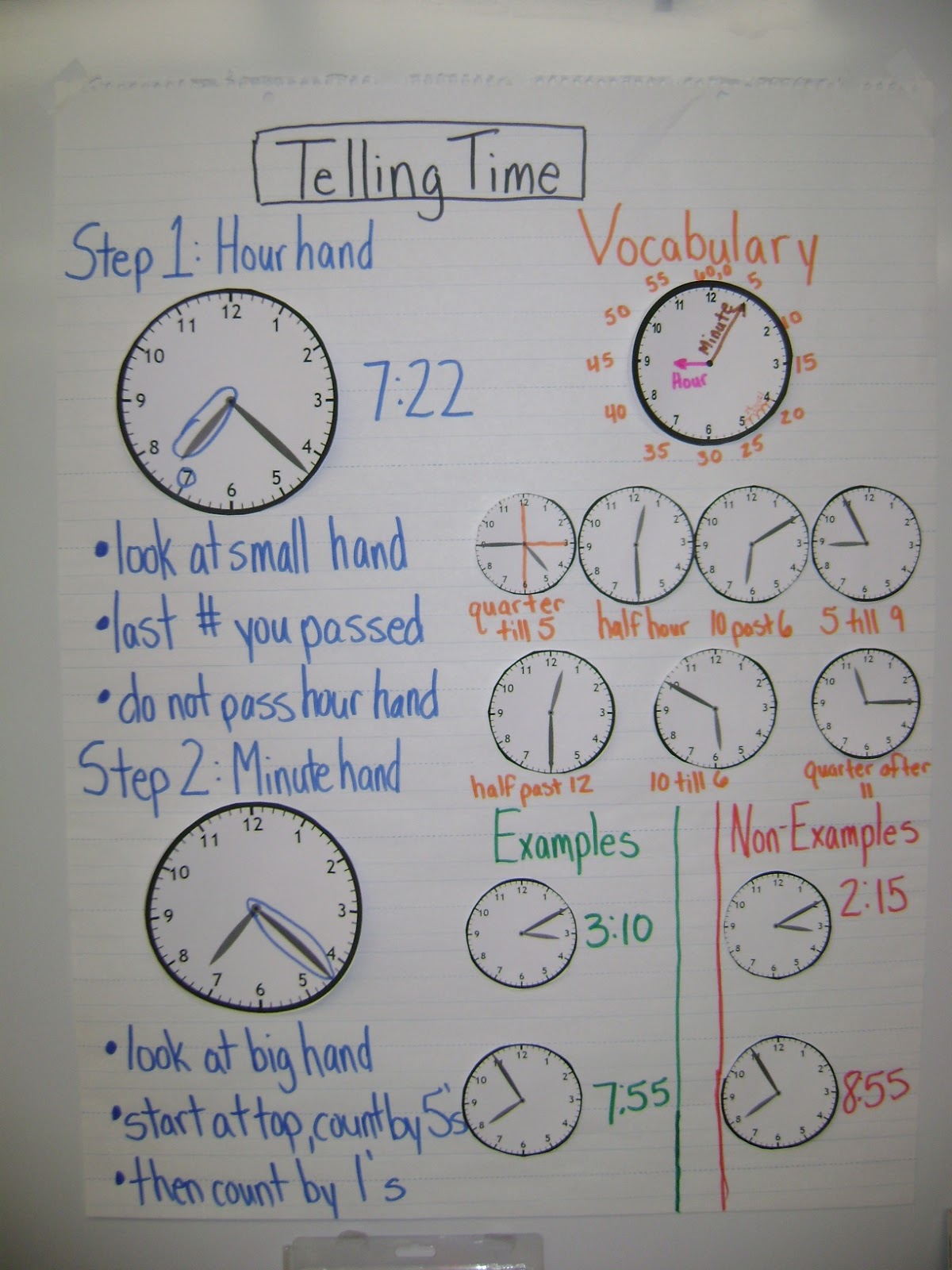
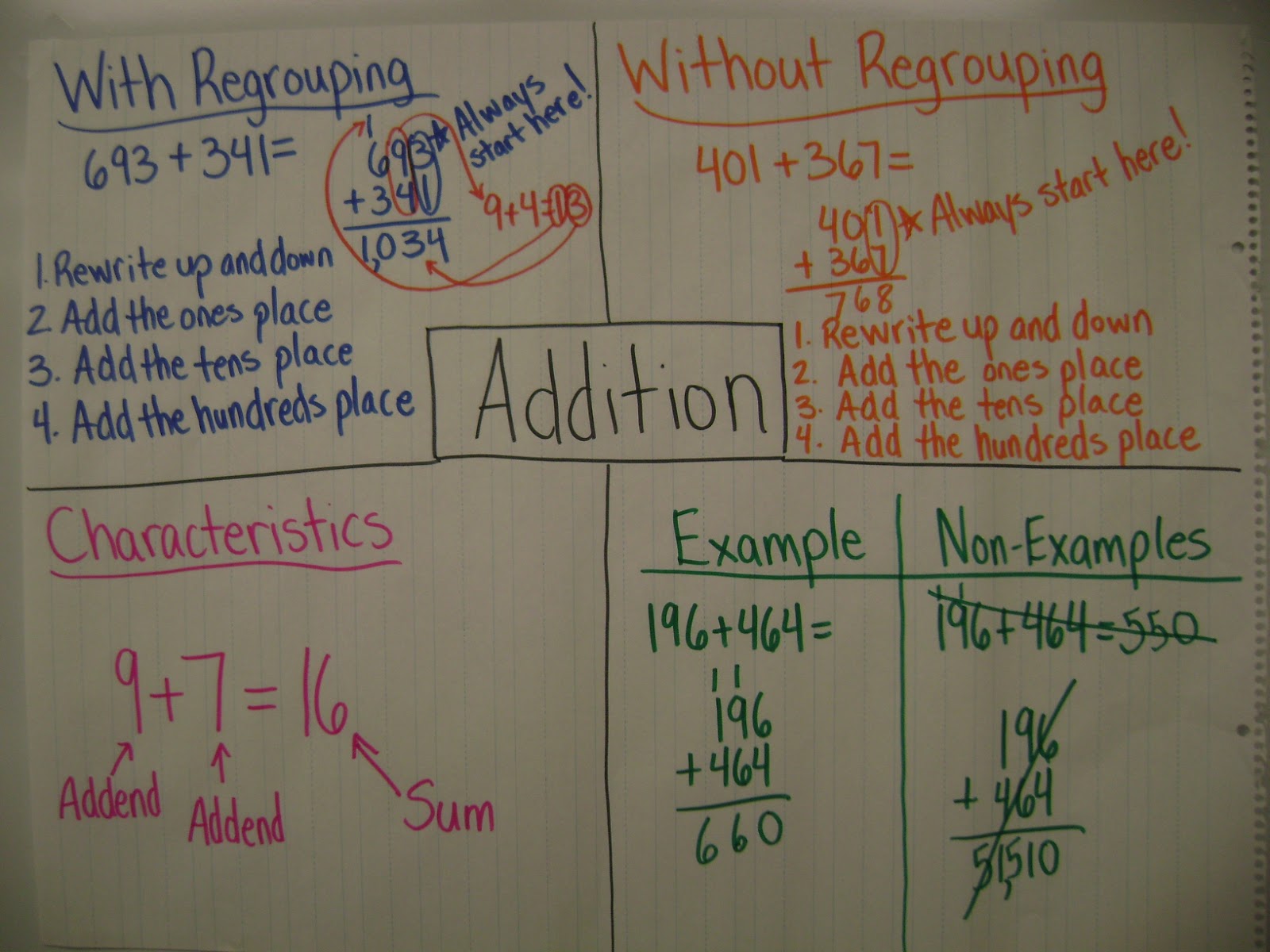
Here are a few anchor charts from the past few weeks:

We loved our time unit this week! One of the great resources provided by Everyday Math is the Game book.  This week we used three games: Match Time, Time Concentration, and Prize Time.  Prize Time involves assigning each student a time on their desk.  If they come to you at their assigned time, then they can get a prize.  What a cool way to motivate them to learn time! 

We loved teaching Change from $5.00 after subtraction this year.  It went so smoothly.  We saw huge growth at the end of the week, with 24/27 students scoring proficient on the exit slip!


Math Notebook Entries:

Each student has a math notebook that we add to on Mondays during whole-class instruction.  This is when we make our anchor charts (as seen above). Students copy down their version of the class anchor chart in their notebook.  We both like the organization that the Table of Contents provides. 
We created a blank template for the printable mini- Frayer Model charts for the weeks that the headings change.

But then some weeks it just takes less time for the students to write if we provide the headings...


Wednesday, September 12, 2012

Estimation, Math Notebooks, and Anchor Charts

This week we are teaching estimation by rounding to the nearest 10 and to the nearest 100, CCSS 3.NBT.1.  

On Monday, we created this anchor chart with our classes:

We also watched Brainpop!'s Rounding video and stopped before the Rounding Decimals part.

Students copied the anchor chart into their notebook onto their Frayer model anchor chart:

We also felt that it would help students to have a hundred chart with rounding tips, so they glued this chart from Super Teacher Worksheets into their notebook for this week, too.


Switching Groups Mid-Week

For the first time since starting math workshop, we changed our four math groups mid-week this week. We noticed certain students in the lowest group grasping estimation quicker than students in the low-medium group.  Based on yesterday's closure activity and in-class observations at the teacher station, we swapped some students between the red (lowest) and yellow (low-medium) groups.  For example, Johnny was in the red group but was catching on quicker than Suzy in the yellow group, so we switched the two.  Today, Suzy received more support during teacher station because her peers were at the same instructional level. This change emphasized to us how important ongoing assessment and closure are to driving instructional decisions. This is truly differentiated instruction.

Another Math Workshop Board


Anchor charts from the year so far...


Join us next week for a Q & A with a guest blogger, a fourth grade teacher starting math workshop this year! :) 

--Tabitha & Chloe